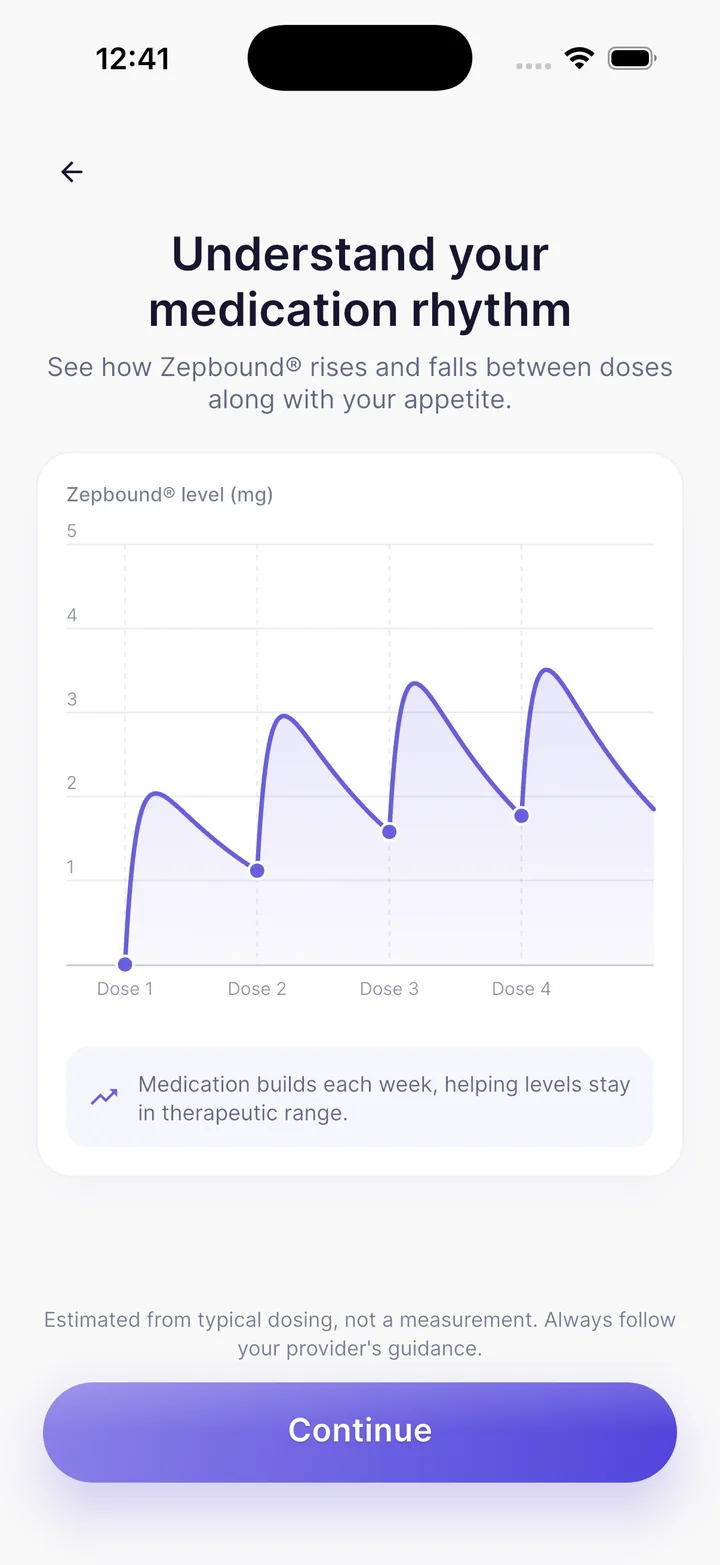
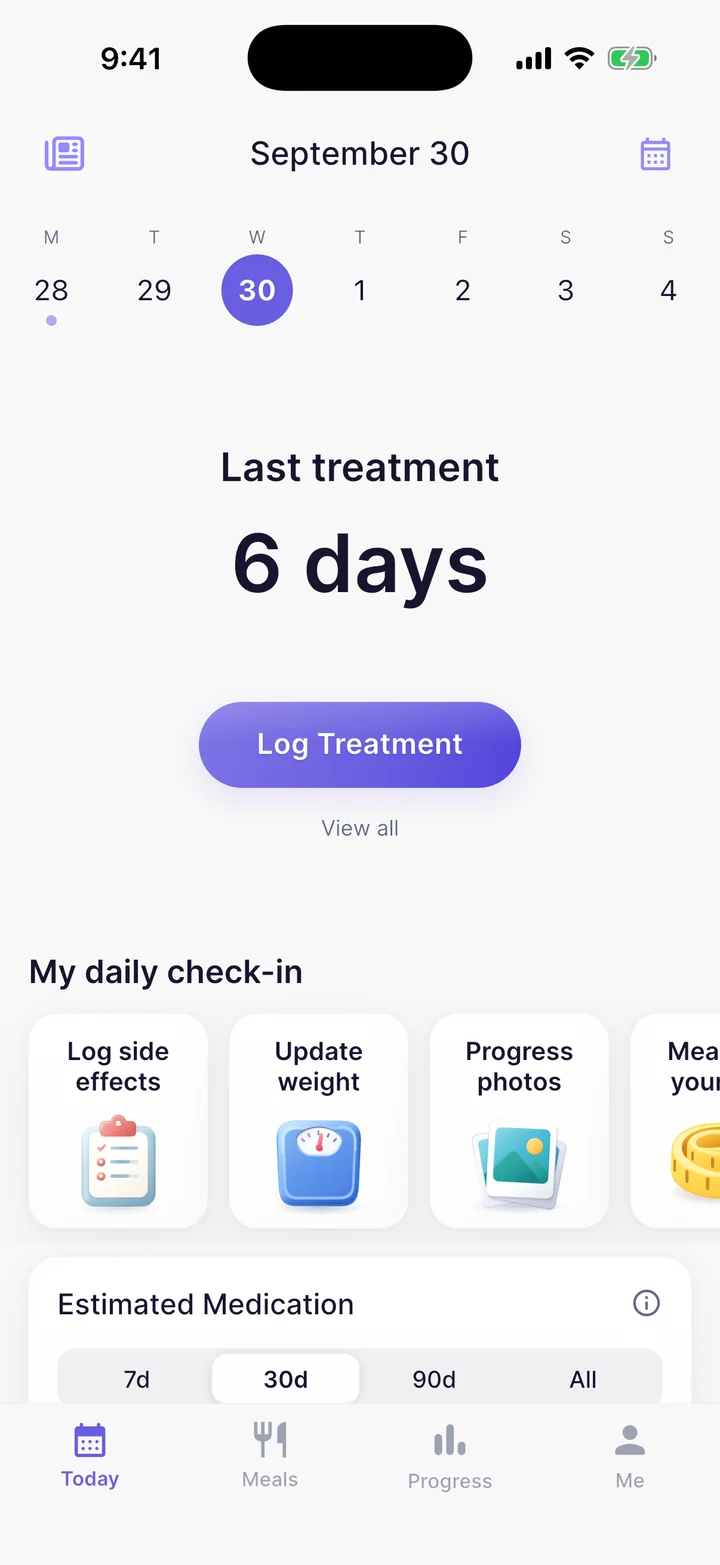
A little help along the way
GlucoPal Help
Get started, find your Pro features, or get in touch with us.
How do I get started?
- Download GlucoPal from the App Store for iPhone or Google Play for Android. No account is required.
- Follow the setup prompts to choose your medication and tracking preferences. Enter the dose and schedule prescribed to you.
- Log a dose you have taken, including its date and injection site if applicable. Add your weight and any side effects you want to record.
- Keep logging as you go. You can also record meals, water, and progress photos to review alongside your medication history.
GlucoPal helps you keep records; it does not choose your dose or treatment schedule.
Where do I find GlucoPal Pro and pricing?
GlucoPal is free to download and use. To explore the optional Pro subscription, open Settings → Upgrade to GlucoPal Pro in the app.
Current prices, any trial terms, and included features are shown in the app before you subscribe. Pricing stays in-app so you can see the offer available to you.
How do I make a PDF for my doctor?
Open Settings → Provider report. You can preview a sample report before upgrading. GlucoPal Pro lets you create and share a PDF of your own dose, side-effect, and weight history.
I already paid. How do I restore Pro?
Open Settings → Restore purchase in GlucoPal with an internet connection.
- On iPhone, use the Apple Account that made the App Store purchase.
- On Android, use the Google account that made the Google Play purchase.
If Pro still does not appear, contact us with the app version and a description of what happens when you restore.
Guides for your tracking routine
Contact GlucoPal support
Email hello@glucopal.com. Tell us what you were trying to do, what happened, and your phone model and app version. A screenshot can help; share only the information needed to explain the issue.
GlucoPal is published by The Manhattan App Studio LLC. Learn more about GlucoPal or read our privacy policy.
You take your GLP-1s. We'll take care of the rest.